Color, type, and spacing
Set a clear visual tone and consistent hierarchy for headings, body copy, labels, and supporting details.

Product & interface design / TriConn Visual Asset Studio
Design the structure, visual language, and interactions that help people understand a product and move through it with confidence. TriConn brings product thinking and interface design together around the work each screen needs to support.
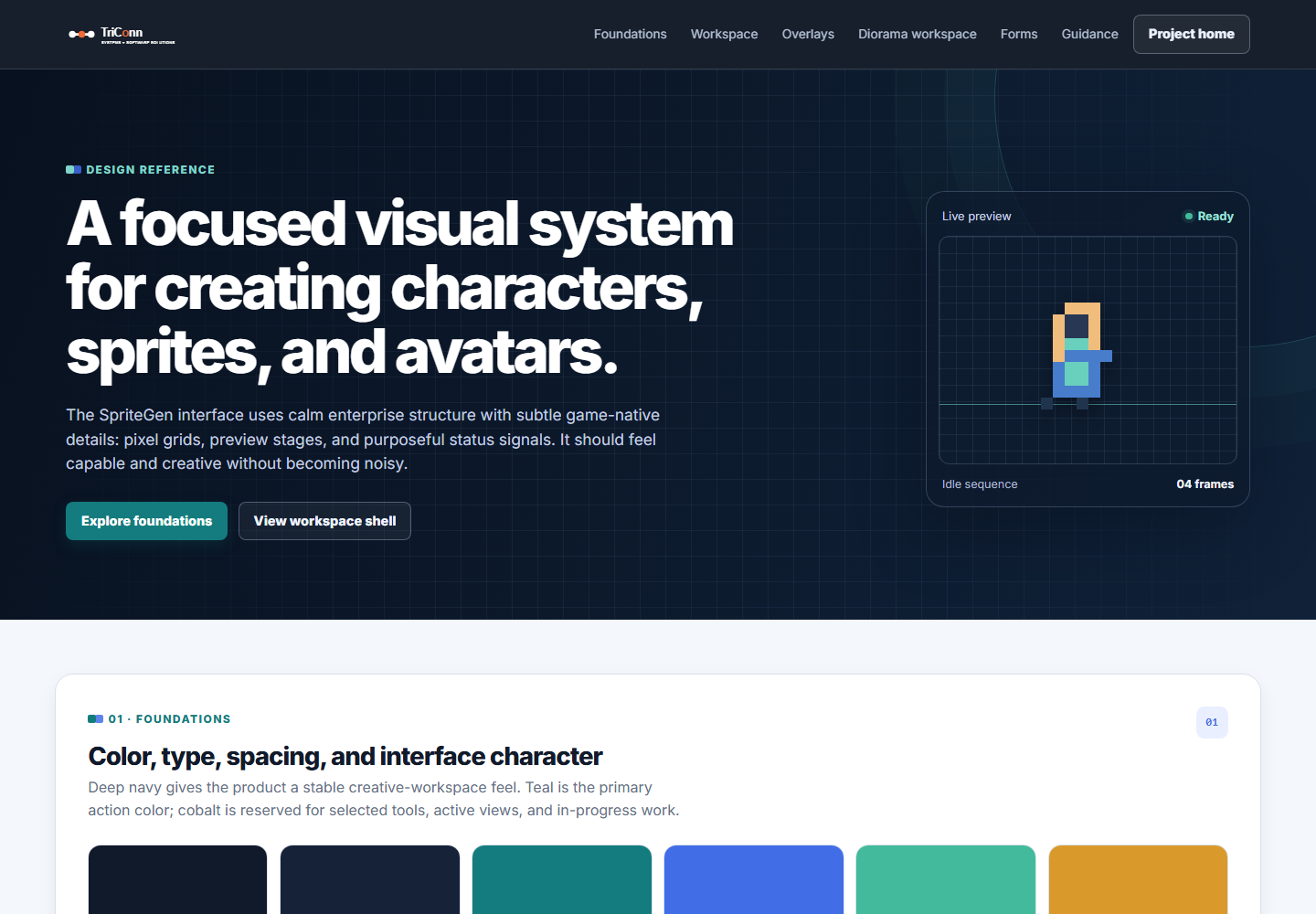
Build a consistent interface from the first action to the smallest status detail.
Design system foundations
A product interface is more than a collection of screens. Its color, type, layout, actions, and status patterns should work together and feel familiar from one part of the product to the next.
Set a clear visual tone and consistent hierarchy for headings, body copy, labels, and supporting details.
Use deliberate button, control, and status patterns so the next useful action is easy to recognize.
Help people understand where they are, what they are working on, and how the product is organized.
Make inputs, confirmation steps, inline tips, and focused dialogs feel clear and consistent.
Product reference / Creative software
The TriConn Visual Asset Studio showcase is a working reference for the interface patterns used across a creative product. It brings foundations, shared workspace elements, and task-specific controls into one consistent design language.
Orient people before presenting specialized tools and controls.
Let a creator choose a cycle and direction while keeping one work area in focus.
Keep preview space central while related controls remain close at hand.
Use familiar patterns for setup, confirmation, feedback, and inline help.
Example composition from the shared visual reference
How we shape a product
Bring product design into discovery and development so the interface reflects what users need to understand, decide, and do.
Map user goals, product constraints, core tasks, and moments where people need clarity.
Plan user journeys, navigation, screen structure, and useful interaction patterns.
Define reusable visual styles and components, then apply them across the product.
Review the design with users and developers, then improve it as the product evolves.
Start a conversation
Tell us what your users are trying to do. We can help shape a product experience and design system that supports the work.